Apps for ev charging stations: Top picks for every driver
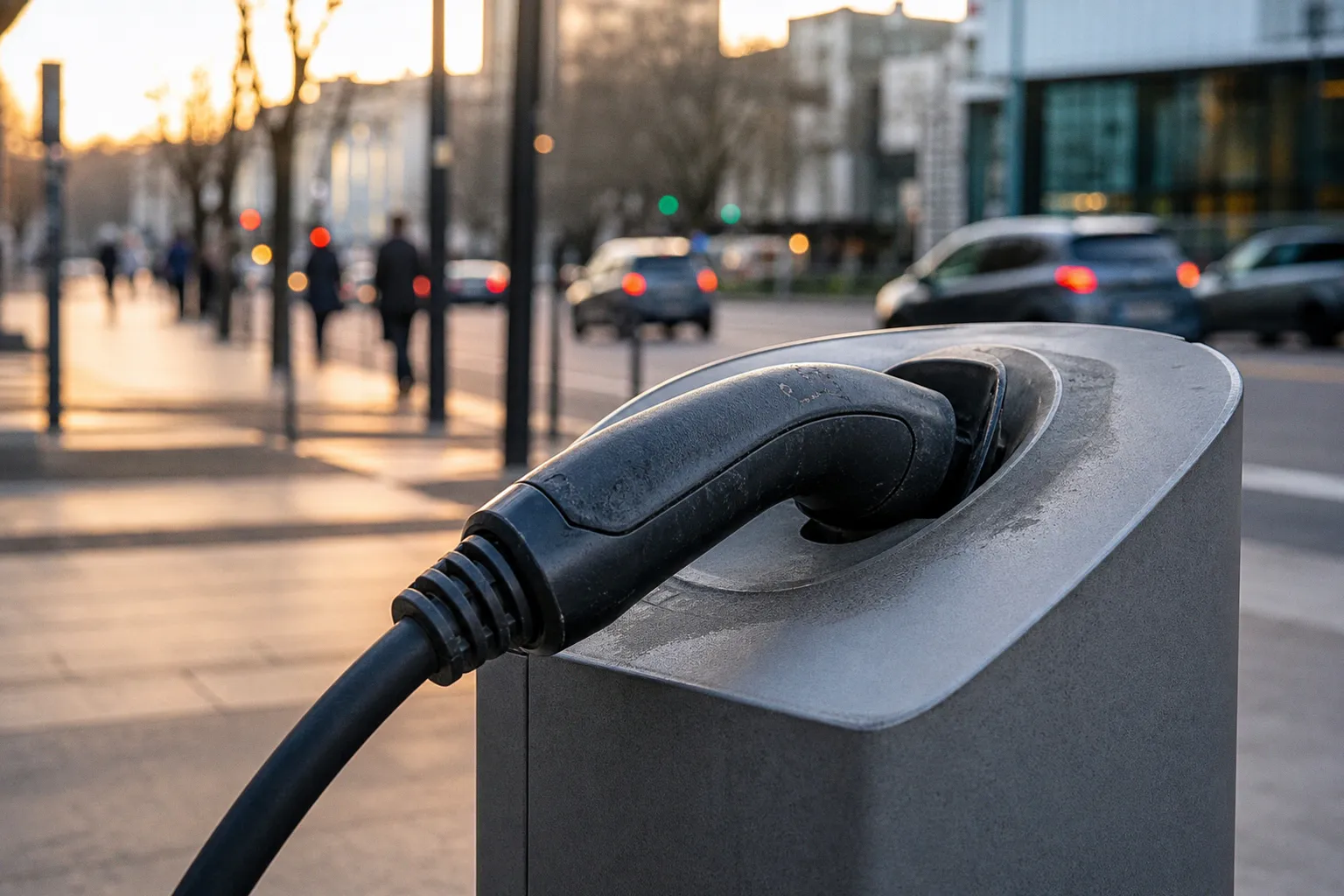
By the time I'd detoured to the next station, I'd burned twenty minutes of daylight and a meaningful chunk of patience — exactly the kind of friction that sends people back to gas pumps. After dozens of test drives, dealership visits, and one too many wrong turns, here's what actually works in 2026.
The hard truth about apps for EV charging stations this year: no single app does everything well. The drivers who glide through road trips aren't loyalists to one tool — they've built a small toolkit. Think of it the way you'd think about your kitchen: you don't pick one gadget, you pick the right knife for the right job. A cross-network locator for the grocery run, a community check-in tool for reliability, the native apps for the networks you actually use, and a route planner for the long haul. That's the mix that pays off.
The Multi-App Strategy: Why One Tool Isn't Enough
When I sat down with three different EV owners at a dealership open house in suburban Denver, each one pulled out a different pair of phones. One had PlugShare and the Tesla app. Another had ABRP and Electrify America. The third used Google Maps in her car and EVgo on her phone. None of them were wrong.
The reason comes down to what each app is actually built to do. Network-specific apps are best at starting sessions and showing live status for their own stalls. Community tools are best at telling you whether the stall you need is actually working today. Route planners are best at telling you where to stop before you leave the driveway. Trying to force one of these apps to do the other's job is how you end up at a broken charger with a hungry family.
The out-the-door cost of EV ownership already includes enough variables — financing, insurance, electricity rates, and the occasional tax rebate hurdle — that the last thing you need is a $0 mistake at the wrong stall. A sensible app mix costs nothing extra and saves you real time.
Think of your charging apps the way you'd think about credit cards: one for groceries, one for travel, one for the big purchases. None of them alone covers everything, and you're not failing by carrying two.
Community Intelligence: Using PlugShare for Reliability and Planning
If I had to pick the single app I'd install first — and I have, repeatedly, on loaner cars — it's PlugShare. Not because it starts charging sessions, but because it tells you whether the charge is worth starting.
PlugShare's map covers public chargers in more than 200 countries, but its real value is the crowd-sourced layer underneath. Drivers leave check-ins, photos, tips, and PlugScore ratings. When a station has been hammered by a failed unit for two weeks, the check-ins say so. When a particular stall only works after 7 p.m. because the morning regulars hog it, the comments will tell you. That's the kind of intelligence no corporate network app is incentivized to surface.
For trip planning, PlugShare's filters let you narrow by connector, charging speed, and even specific vehicle compatibility. I used it last fall to map out a run from Phoenix to San Diego in a CCS-equipped SUV, filtering for stations with reliable 350 kW hardware. The trip went exactly as the map suggested, which is something I cannot say about every EV road trip I've taken.
One honest caveat: a recent check-in is not a warranty. Treat the data as useful evidence, not a guarantee. If a station's last positive review was three weeks ago and you're passing through at 2 a.m., consider it a hint, not a promise.
Network-Specific Apps: Managing Payments and Real-Time Status
Community data tells you where to go. Network apps get you charging when you arrive. For the three big U.S. fast-charging networks, the native apps are non-negotiable — they unlock the real-time status, in-app payment, and member pricing that random tap-to-pay won't.
A quick comparison of what each one actually delivers:
| What you get | ChargePoint | Electrify America | EVgo |
|---|---|---|---|
| Live availability & connector type | Yes, plus filters for speed, network, amenities | Yes — CCS, CHAdeMO, Level 2, NACS | Yes, with connector and speed filters |
| In-app session start | Yes, plus home charger management | Yes for Pass / Pass+ members | Yes; Autocharge+ plugs in and goes for most CCS vehicles |
| Membership discount | Varies by roaming partner | Pass+ is $7/month, the company says it saves members about 25% on charging | Per-station pricing shown in-app |
| Best fit for | Drivers who mix home + public charging, or want one app to roam | Road-trippers on the major interstates | Urban and suburban CCS drivers who want plug-and-go |
ChargePoint deserves its own callout. Beyond public stations, the same app can pair with and manage a ChargePoint Home charger — schedule charging for off-peak rates, set reminders, and track sessions from the couch. If you're a one-app-at-home-and-on-the-road type, ChargePoint is the closest thing to a single-vendor experience in 2026. Just know that third-party roaming is real but inconsistent: each partner sets its own charging flow, so don't expect a uniform experience across every logo on the map.
Electrify America's Pass+ plan costs $7 a month and, according to the company, cuts roughly 25% off charging costs. For a household running two EVs or doing regular long drives, that membership pays for itself fast. Heads-up: EA's app may place temporary authorization holds in $20 increments for sessions you start from the app — a quirk that surprises first-time users at the pump. The company lists 5,600+ Hyper-Fast chargers across 1,080+ stations in North America, which is why it shows up on so many interstate routes.
EVgo's standout feature is Autocharge+, which lets eligible CCS-compatible vehicles plug in and start charging without a phone tap or card swipe. For daily commuters, that removes more friction than almost any other feature on this list. EVgo says its network includes 1,200+ public fast-charging stations in the U.S., and that more than 40% of the U.S. population lives within 10 miles of one.
The app that starts the session is almost always the app you'll trust at 9 p.m. with 5% battery. Pick the network, then pick the native app — not the other way around.
Advanced Route Planning: Leveraging ABRP and Native Vehicle Integration
Community data tells you what's working. Network apps get you charged. But for the long drive, you need a tool that plans the whole route before you leave the driveway. That's where A Better Routeplanner (ABRP) lives, and the May 2026 update (version 7.1) made it noticeably better.
ABRP 7.1, released on May 12, 2026, added a redesigned charger-details screen, a smarter charger finder with richer filters and photo cards, more useful charge-stop callouts, and iOS Live Activities for both driving and charging sessions. If you've used ABRP before and rolled your eyes at the charger-detail layout, give it another look. The new flow surfaces connector photos and stall-level info that used to require a separate app to find.
What makes ABRP different from a basic map app is the modeling. You tell it your vehicle, your battery size, your real-world efficiency, and the weather, and it builds a route that accounts for elevation, wind, speed, and charge-stop timing. For a first-time EV road tripper, it removes most of the anxiety. For a seasoned owner, it shaves time off the route you already knew.
If ABRP feels like overkill for your daily life, check what your car already does. Google Maps built into compatible EVs can filter charging results by charger type, payment network, and charging speed, and will automatically add charging stops when the destination is out of range. The catch: Google explicitly notes that availability depends on the car manufacturer, region, and data plan. Don't assume your new EV has it — ask at delivery.
Navigating Tesla Supercharger Access for Non-Tesla Drivers
Tesla's Supercharger network used to be the walled garden of EV charging. In 2026, the gate is open — partly. The mechanics matter, and getting them wrong wastes an afternoon.
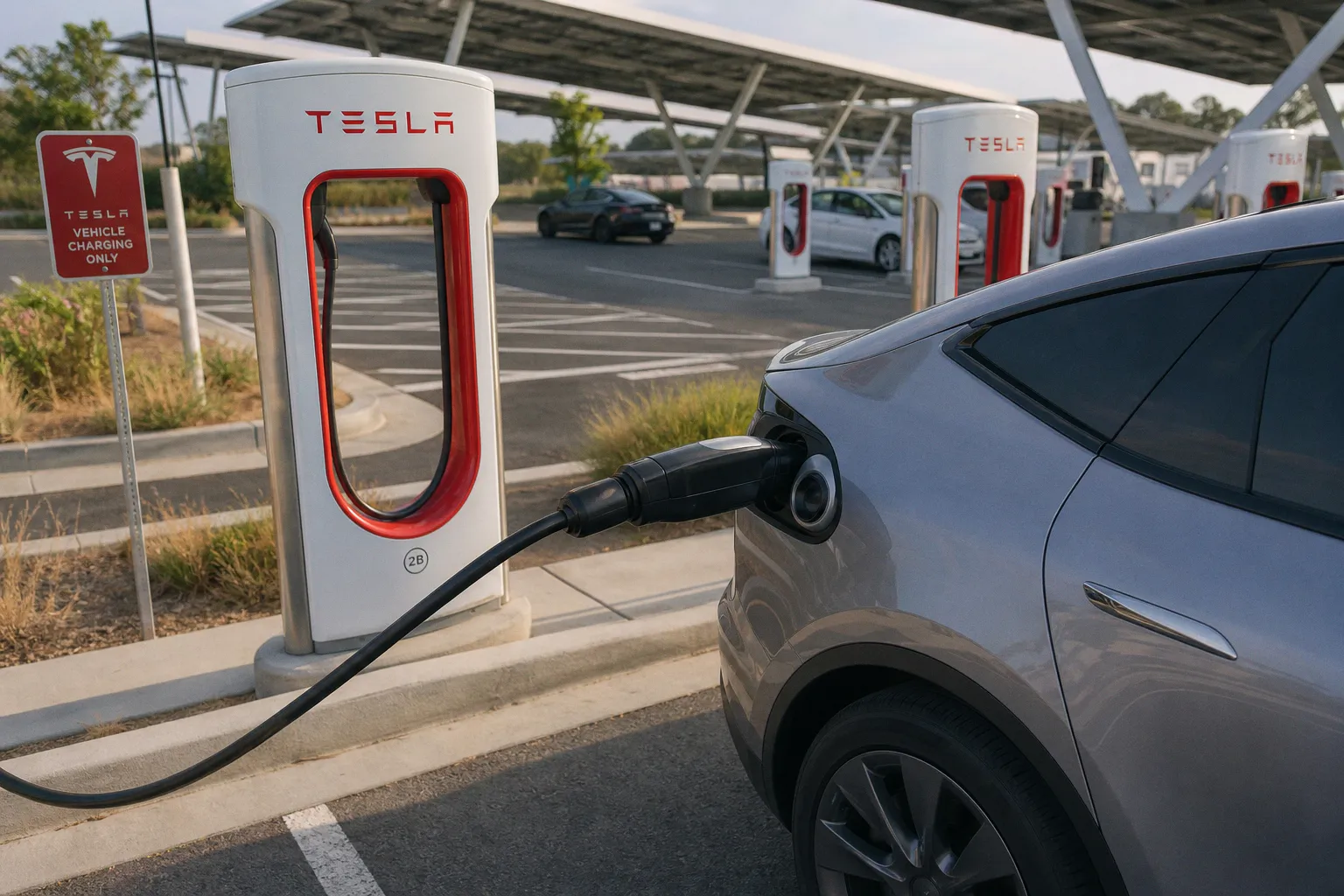
To charge a non-Tesla at a Supercharger, you need the Tesla app (version 4.30.5 or later) and an account, and your vehicle must be eligible at that specific site. Tesla's documentation is clear: NACS-equipped vehicles — NACS being the common name for the SAE J3400 connector — can use compatible sites directly, while CCS1 vehicles need an NACS DC adapter supplied by Tesla or by the vehicle manufacturer. Third-party adapters are not allowed. If you bought a random adapter off Amazon expecting it to work at a Supercharger, it won't.
Eligibility also depends on the Supercharger site itself — not every stall is open to every brand, and the rollout has been site-by-site. The Tesla app will tell you which stalls your car can use, but only after you've signed in and added your vehicle. Set that up at home on Wi-Fi, not at 3% battery on the interstate.
Once you're rolling, the experience is straightforward: the Tesla app handles payment and shows live stall status, and pricing is displayed before you plug in. For non-Tesla drivers who road-trip often, the Supercharger network is now a serious part of the toolkit — but only if you've done the homework before you need it.
Putting Your Toolkit Together
After all the testing, dealership conversations, and one too many Bakersfield detours, here's the kit I'd build today if I were starting from scratch on a new EV.
For daily driving: download the native app for whichever network you'll use most (ChargePoint, Electrify America, or EVgo, depending on what's near your house and grocery run). Set up in-app payment, link a credit card, and run one test session before you actually need it.
For trip planning: pair PlugShare with ABRP. Use PlugShare to sanity-check the stops ABRP suggests, especially in regions you haven't driven. Use ABRP to model the route before you leave.
For Supercharger access: install the Tesla app, add your vehicle, and verify your adapter setup now — not at 8% battery outside Bakersfield.
No single app is the best for every driver, and anyone who tells you otherwise hasn't owned one long enough. The right mix is the one that matches how you actually drive: where you live, where you road-trip, what you drive, and how patient you are with a charging detour. Build your kit around those answers, and the apps become invisible — which is exactly how good infrastructure should feel.
FAQ
Why should I use more than one EV charging app?
Is PlugShare reliable for checking if a charger works?
Do I need a membership for Electrify America?
Can I use any adapter to charge my non-Tesla vehicle at a Supercharger?
What is the benefit of the EVgo Autocharge+ feature?
Related articles
 Charging & InfrastructureBuy the Safest CCS to NACS Adapters for Non-Tesla EVs
 Charging & InfrastructureCompare EV charging stations cost for garage vs driveway
 Charging & InfrastructureChargePoint EV charging stations compared by speed and cost
 Thailand locks in $4.1 billion in EV supply chain investment as auto sector pivots